
Here is a list of all the Resources I personally use
Disclaimer: Some of the following are affiliate programs and as such may result in my earning an affiliate commission on any purchases that you make at no extra cost to you.
I’m also big fan of many of the Free – Open Source (does not mean crappy) programs that are available.
I must emphasise that my main aim is to always provide you with affordable, quality products and services.
Domain Name Registers
Dynadot
Dynadot is my primary Domain Name Registrar for registering my Website(s) Domain Name(s) (DNS) and I’ve been using them for many many years.
I also use Godaddy and have used Namecheap with no issues but Dynadot gives me Good Prices and Great Service. It’s nice and simple to use without being asked to Add this and Add that…
The plan is to eventually move all of my domains over to Dynadot.
You can read my Review of Dynadot Here
Hosting
Cynderhost
Cynderhost is one of the best, affordable Shared Hosting companies I have ever come across.
Their service and support is amazing as are the Features they provide and it’s all at amazing prices.
I use the unlimited plan and I get everything I need from hosting multiple sites from Free SSL ( Very important ), email addressed, databases and even SSH Access. Don’t worry about SSH as that’s more along the lines of what us Website Devs use to be fancy… But they have it… So Kudos to them.
You can get everything the “big boys” offer.
It’s not about being cheap, it’s about getting bang for your buck and working with a reliable company.
So if you are just starting out and looking for a premium webhosting company at a price you can afford, the you need Cynderhost.
You can read my Review of Cynderhost Here
Software to Take You From Nowhere to Somewhere.
Now I personally have a few little programs I use daily…And these really help me keep myself organised.
So in no particular order they are…
FreePlane – download
Cost: Free
Operating Systems: MAC, Windows, Linux
Installation: Might be a bit challenging… I’ll try to createa video for it soon as I can.
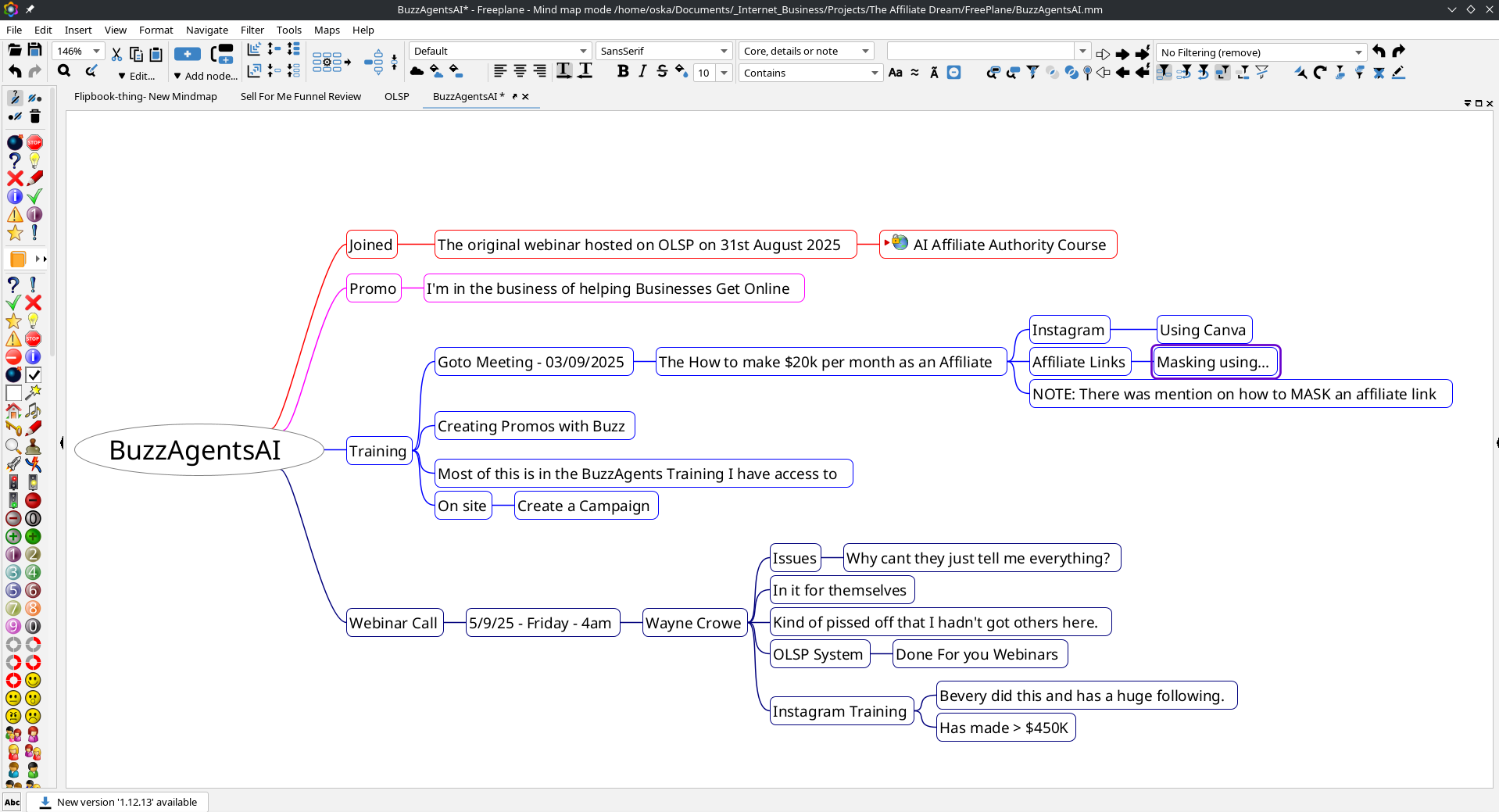
FreePlane, used to be called FreeMind, Is a very versatile and great way for Note Taking and Planning anything you can think of. It also has a built in Task/Event Manager.
if I am on a webinar or watching any tutorials, it’s great to take notes with as I can just jot down things and drag and drop them as required… Plus it’s a little bit “theraputic” just getting things in the right place, in between writing stuff…
CherryTree – download
Cost: Free
Operating Systems: MAC, Windows, Linux
Installation: Might be a bit challenging… I’ll try to createa video for it soon as I can.
This has become my Primary Document / Diary… Write / Create everything, one stop shop.
Now this comes into it’s own for a few reasons… When you create a “project” by default, it creates a single File based upon a database.
It has FULL RTF Formating – Much like Libre or Microsoft Office.
You can create links to internal documents (nodes) , system folders / files and external URLS (Websites) so It’s like mini website Pages but better.
With anything that has a Folder / File Structure (which are called Nodes and Subnodes) still takes a little thought… But you can easily more things around to it makes more sense to you…
It’s Internal “Search” is amazing so even if you do “lose” files it’s simple to track them down.
Like with any Tool, you need to get used to it… My Normal workflow is – enter in a task in the Diary Page and any extra details can go into another file, I simply link to… That way you keep the diary Slim and you can go wild in any other pages. If I am creating PDF’s Or Slide Shows or Mind Maps, I can record and link to them from the one place…
It takes a little practice ( as all tools do ) but it’s definitely worth taking a look at… Interesting note: A friend of mine showed me this way back in the day and I kind of… well ignored it. Now I cannot live without it… How things change… So thanks Joseph for introducing me to it all those years ago.

LibreOffice Suite – download
Cost: FREE
Operating Systems: MAC, Windows, Linux
LibreOffice is a FREE Suite of Tools that gives you all the tools that MicroSoft Office has (some might say better than Microsoft). Many Businesses and Companies have switched over to LibreOffice just due to ease and No License Fee’s.
Personallu, having used both, I’d always go for LibreOffice. But that’s just me.
Google Tools
Cost: FREE
Operating Systems: Works on any System that uses a Web Browser = ALL of them.
If you have a GMAIL Account, then you have access to all of their Free and Bloody incredible tools.
If you don’t have a gmail account, you should get one…
DrawIO

chatGPT – Link
Well you know how to find that.. I hope…
Browser Based:
How to get the maximum benefit from it, well that’s another story but just to let you know all the graphics / logos were created using chatGPT. But keeping in mind that I am on the “Plus Plan”. Which is $20 USD per month and I use it constantly, in fact everytime I write something, I have chatGPT give it the once over… But do you think I have on this page… ( the answer is no… not yet)
Excalidraw – link
This is great little – Open Source – Presentation tool that is Free and gives you that same “Free Hand” text look with a friendly GUI. I just saw it being used in a Zoom Webinar I was just on… and went… Nice!!!! So that’s why its being listed here.
Oh, It has “Layers” which means you can create overlays and turn Layers On and Off. Sorry!! that’s just something I like to have with my presentation tools… From what is listed below regarding collaboration you could have different users with their own layers… maybe… not sure, just an idea that popped into my head.
Excalidraw’s Superpowers (a not-so-boring list)
Hand-drawn Vibes
Forget stiff, corporate diagrams. Excalidraw makes your ideas look like they were sketched on a napkin at your favourite café. It’s organic, approachable, and feels human.
Infinite Playground
You’ll never hit the edge of the page here. Zoom out, zoom in, brainstorm, mind-map, or build out a full workflow… the canvas just keeps going. Your ideas finally have room to breathe.
Collaboration Made Simple
Want others to join the party? Just share a link. Suddenly you’ve got real-time collaboration without the tech headaches. Perfect for remote teams, meetings, or when you’re brainstorming with a mate halfway across the globe.
No-Stress Interface
Minimal, clean, and so easy to use that you’ll be doodling within seconds. No manuals, no tutorials, no “what does this button do?” drama. Just click, draw, and create.
Export & Extend
Need to share? Save your work as PNG or SVG and drop it anywhere. Want more? Plug into other platforms or extend Excalidraw with plugins to fit your workflow. It plays nice with others.
Privacy First
What happens in Excalidraw stays in Excalidraw. Your creations live locally unless you choose to share. No hidden “oops your data is on our server” surprises.
Open Source at Heart
The base tool is free, open source, and always improving. Want the fancy stuff (like team management or voice hangouts)? That’s where Excalidraw+ comes in, but the core magic will always be yours to use.
Yeah, I think it’s pretty cool!
Xournal++ – download
Take handwritten notes with ease. From solving a physics problem to making travel diaries.
I use it to just jot things down and throw ideas about as some of use still like to use a pen… And yes, having a tablet does help (Like Shown Below)
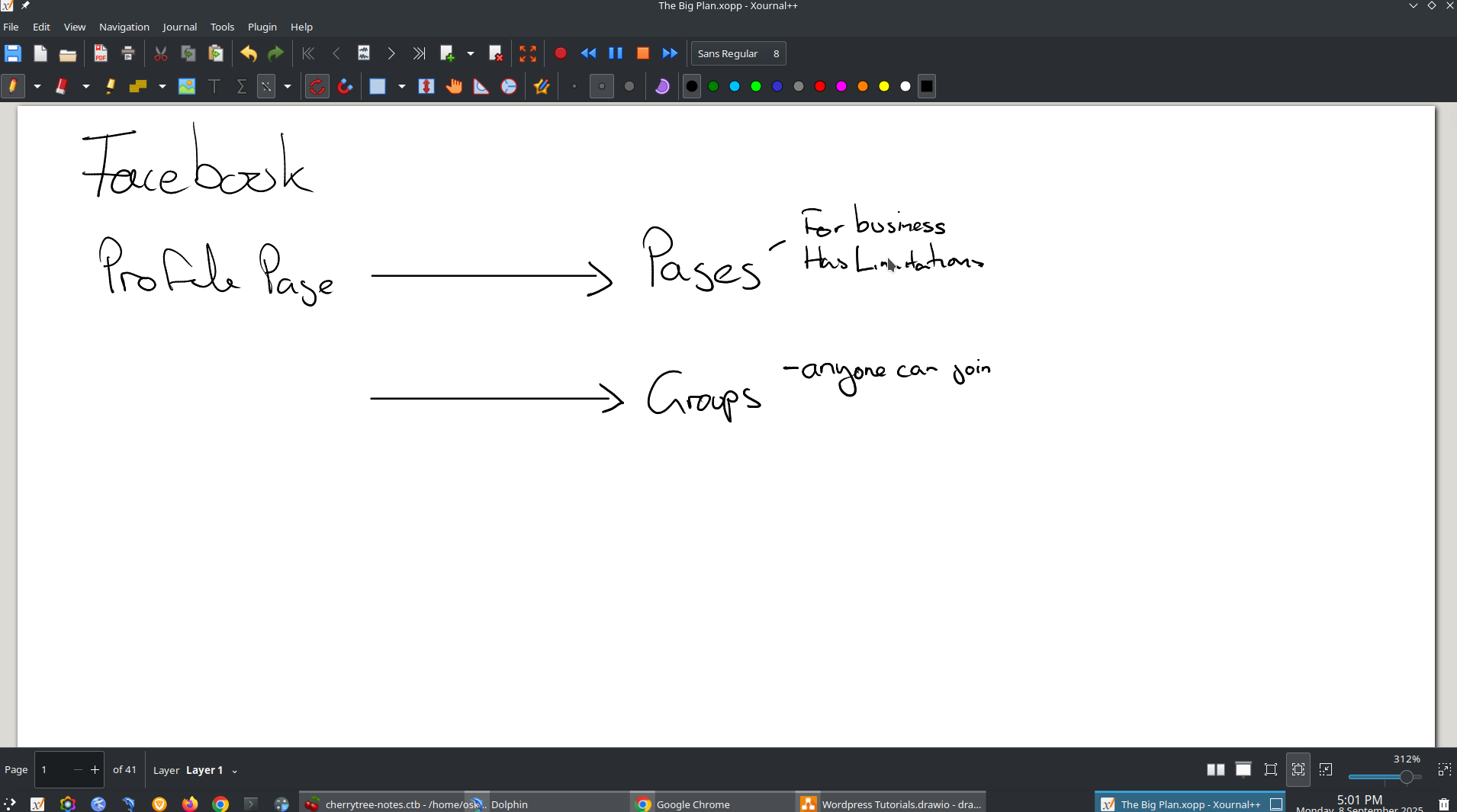
It does help to have a tablet… I use a Wacom – One

The Wagcom One Tablet has been a very useful tool that I use every day.
If you want get one for yourself I’d appreciate if you purchased it from this link.